
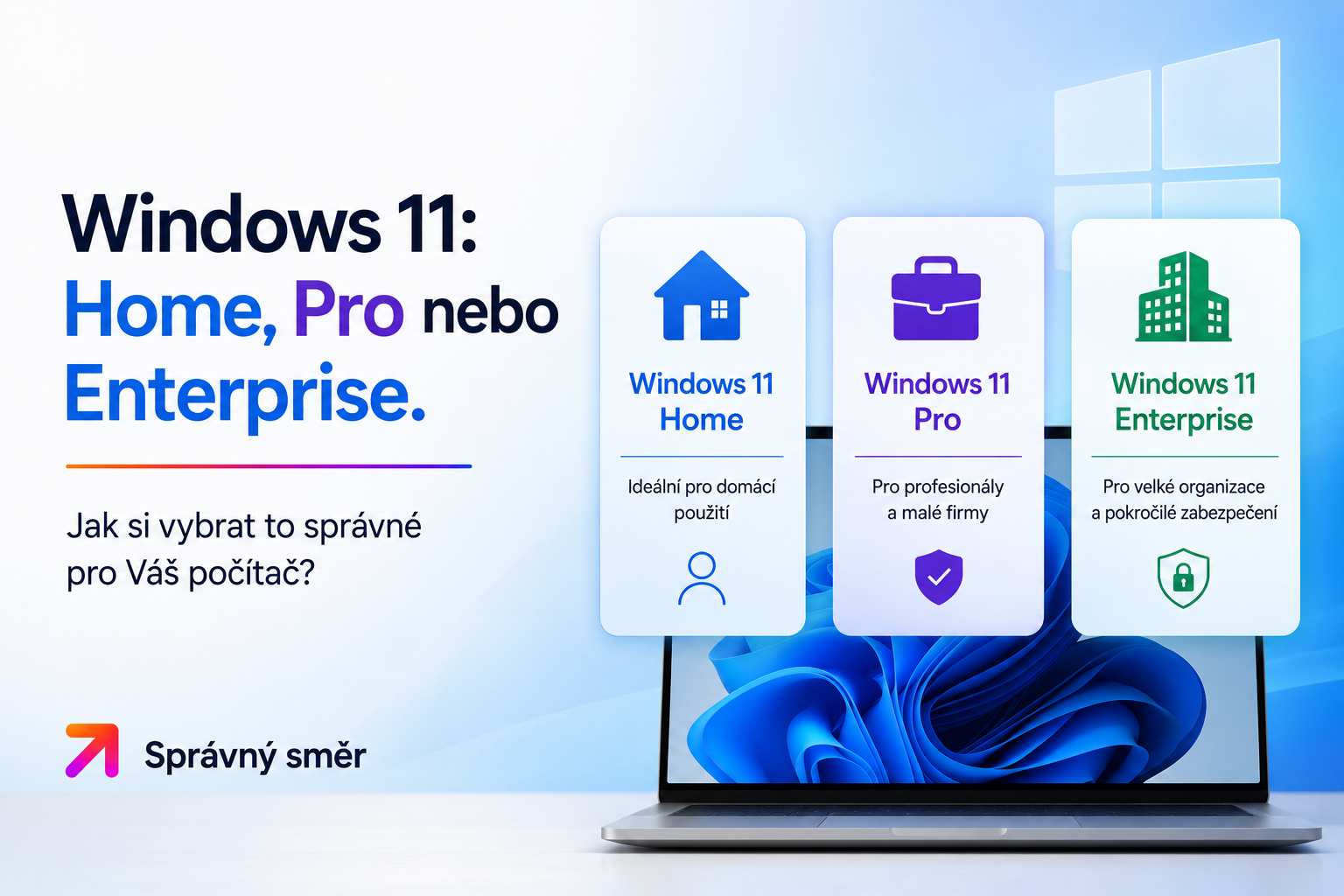
Windows 11: Home, Pro or Enterprise. How to choose the right one for your computer?
"Which version do I really need?" Microsoft offers several variants of Windows 11 and the choice can be confusing for the average user.
Let's get this straight and see what each edition has to offer.
When buying an operating system, you often come across the question: "Which version do I really need?" Microsoft offers several variants of Windows 11 and the choice can be confusing for the average user. Let's get straight to the point and see what each edition has to offer.
1. Windows 11 Home: The ideal choice for households
As the name suggests, the Home version is intended for regular home use. If you mainly use your computer to surf the Internet, watch movies, play games, or study, this version is completely sufficient.
• Who it's for: Students, gamers, regular home users.
Main advantages: All the basic features of Windows 11, modern design, great optimization for games and full support for all common applications.
• What you won't find in it:Lacks of advanced tools for encrypting corporate data or remote computer management.
2. Windows 11 Pro: The Gold Standard for Pros
The Pro version is the most popular choice for entrepreneurs, small businesses and power users who want absolute control over their device. It brings functions that you cannot find in the Home version and significantly increases the level of security.
• Who it's for: Self-employed, companies, IT enthusiasts, people working from home (home office).
• BitLocker: Whole disk encryption. Even if someone steals your laptop, they won't be able to access your data.
• Remote surface: You can connect to your computer securely from anywhere.
• Hyper-V: Tool for virtualization (running other systems inside Windows).
• Domain Connection:Essential if you need to connect to a corporate network.
3. Windows 11 Enterprise: For large corporations
The Enterprise version is intended exclusively for large organizations with thousands of employees. Includes advanced tools for fleet management, threat analysis, and bulk update management.
• Who is it for:IT departments of large corporations.
• Why you (probably) don't need it: This edition is unnecessarily complex and expensive for individuals and small businesses. In addition, licenses are often sold as part of large multi-license contracts, which are not standard for a regular e-shop with licenses. For 99% of our customers, the Pro version is the perfect choice.
Quick Comparison: Which Version to Choose?
• Windows Basic Features:Contained in all versions (Home, Pro, Enterprise).
• BitLocker Encryption: Availability from Pro version above (Home version does not include).
• Remote surface (guest): Availability from Pro version above (Home version does not include).
• Virtualization (Hyper-V): Availability from Pro version above (Home version does not include).
• Report for large businesses: Exclusive feature only for Enterprise version.
Verdict: What to buy?
• If you have a computer for gaming and casual entertainment, save money and choose Windows 11 Home.
• If you work, run a business or want to keep your data safe (with BitLocker encryption), Windows 11 Pro is the best investment you can make.
• You most likely will not use the Enterprise edition as a regular user.
Still hesitating? Check out our range of licenses. If you're still not sure, write to us - we'll be happy to help you choose a solution right for your computer.