
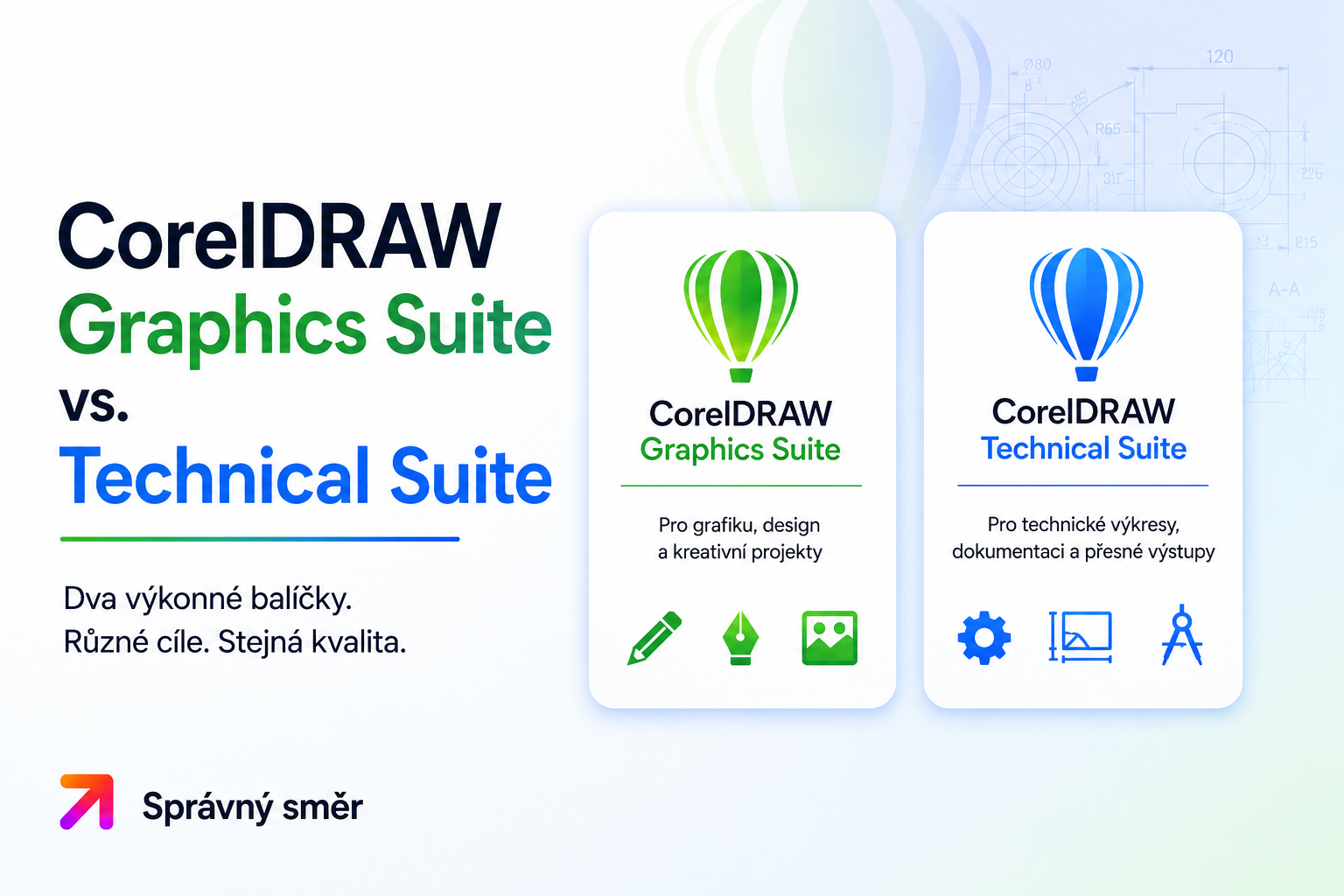
CorelDRAW - Graphics suite vs. Technical suite
CorelDRAW is one of the most famous graphics programs on the market. However, many users come across two similarly named editions when choosing - CorelDRAW Graphics Suite and CorelDRAW Technical Suite. Although both are based on the same foundation, they are designed for different types of work.
CorelDRAW Graphics Suite
Graphics Suite is the classic version intended for graphic designers, creatives, marketing departments and regular users.
Here you will find everything you need to create:
- logo and corporate identity,
- flyers, business cards and posters,
- banners and advertising materials,
- illustrations,
- graphics for the web and social networks, photo editing, document layout. The package includes, for example:
- CorelDRAW - vector graphics editor,
- Corel PHOTO-PAINT - photo editing,
- Corel Font Manager,
- other tools for graphic design and project management.
Graphics Suite is ideal for
- graphic designers,
- freelancers,
- marketing agencies,
- press studios,
- content creators,
- small and large companies.
CorelDRAW Technical Suite
Technical Suite is based on Graphics Suite but adds professional tools for creating technical documentation.
It is mainly aimed at:
- technical illustrations,
- production documentation,
- service manuals,
- user manuals,
- diagrams,
- CAD drawings,
- technical publications.
Includes, for example:
- Corel DESIGNER,
- CorelDRAW,
- PHOTO-PAINT,
- advanced tools for working with CAD files,
- support for technical documentation standards.
Working with CAD files
One of the biggest differences is the technical format support.
Technical Suite offers advanced options for working with CAD data and technical illustrations that the regular Graphics Suite does not include.
If you regularly work with drawings from applications such as AutoCAD or create technical manuals, Technical Suite will be a better choice.
Which version to choose?
Choose CorelDRAW Graphics Suite if:
- you design graphics,
- create advertising materials,
- photo editing,
- preparing printed materials,
- creating content for the website or social networks.
Choose CorelDRAW Technical Suite if:
- you create technical documentation,
- work with CAD data,
- prepare service manuals,
- draw technical illustration,
- you need professional tools for industry and production.
Can Technical Suite be used for regular graphics?
Yes. The Technical Suite also includes CorelDRAW, so it can easily handle common graphic design. Compared to Graphics Suite, it additionally adds specialized features for technical drawing and documentation.
In contrast, Graphics Suite does not offer these advanced technical tools.
Summary
Both editions are powerful professional graphics packages, but they target different user groups.
- CorelDRAW Graphics Suite is the best choice for graphic design, marketing and creative work.
- CorelDRAW Technical Suite is designed for technical illustrations, CAD documentation and industrial use.