
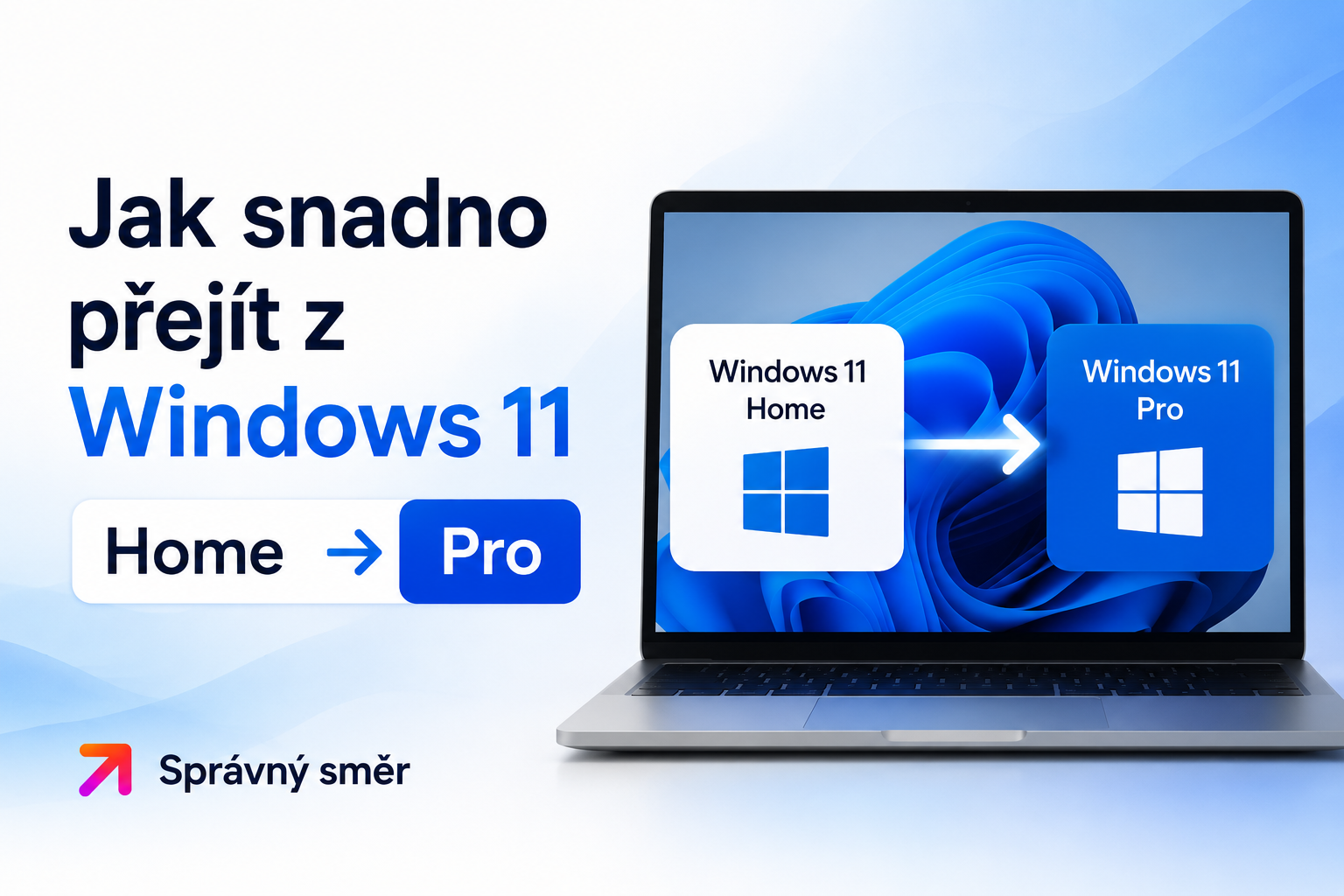
How to easily switch from Windows 11 Home to Pro?
Have you purchased a Windows 11 Pro license but have the Home version installed on your computer?
Don't worry - You don't have to reinstall the entire system or lose your data and settings. Windows 11 allows very easy "upgrade" editions in minutes.
This process is completely safe and legal. It uses the so-called generic key from Microsoft, which only tells the system: "Install the components for the Pro version.
How to upgrade to Windows 11 Pro:
Before starting, we recommend saving your work and closing all programs.
1. Disconnect the internet: For a smooth process, we recommend turning off Wi-Fi or unplugging the Ethernet cable for a while. This will prevent the system from trying to verify the key online immediately.
2. Open the activation: Click Start button-> Settings (gear icon)-> System-> Activation.
3. Change key: Click the "Change" button under Change Product Key.
4. Insert generic key: In the code field, insert this official universal key from Microsoft for the Pro version:VK7JG-NPHTM-C97JM-9MPGT-3V66T
5. Confirm: Click "Next". The system will prompt you to start the upgrade. After confirmation, the preparation will take place and the computer will restart automatically.
6. Activating your license: As soon as your computer turns on again, it will be in Windows 11 Pro.
Now reconnect to the internet, go back to the menuSettings -> System -> Activation and now insert your purchased license key that you received from us.
Frequently Asked Questions:
• Will I lose my data?
Well This process will only unlock the features of the Pro version (such as BitLocker or Remote Desktop), your files, programs and settings will remain exactly as you had them.
• Why do I have to enter two keys?
The first (generic) key is only to "switch" the system version. The second (your purchased) key is used to permanently activate your license.
• What if the upgrade gets stuck?
If the process fails, make sure your computer is in offline mode. If the system reports an error, restart your computer and try again.